Steps to re - enable hold exchange orders in Return Prime
Log on to your Return Prime dashboard and go to Settings > Policies
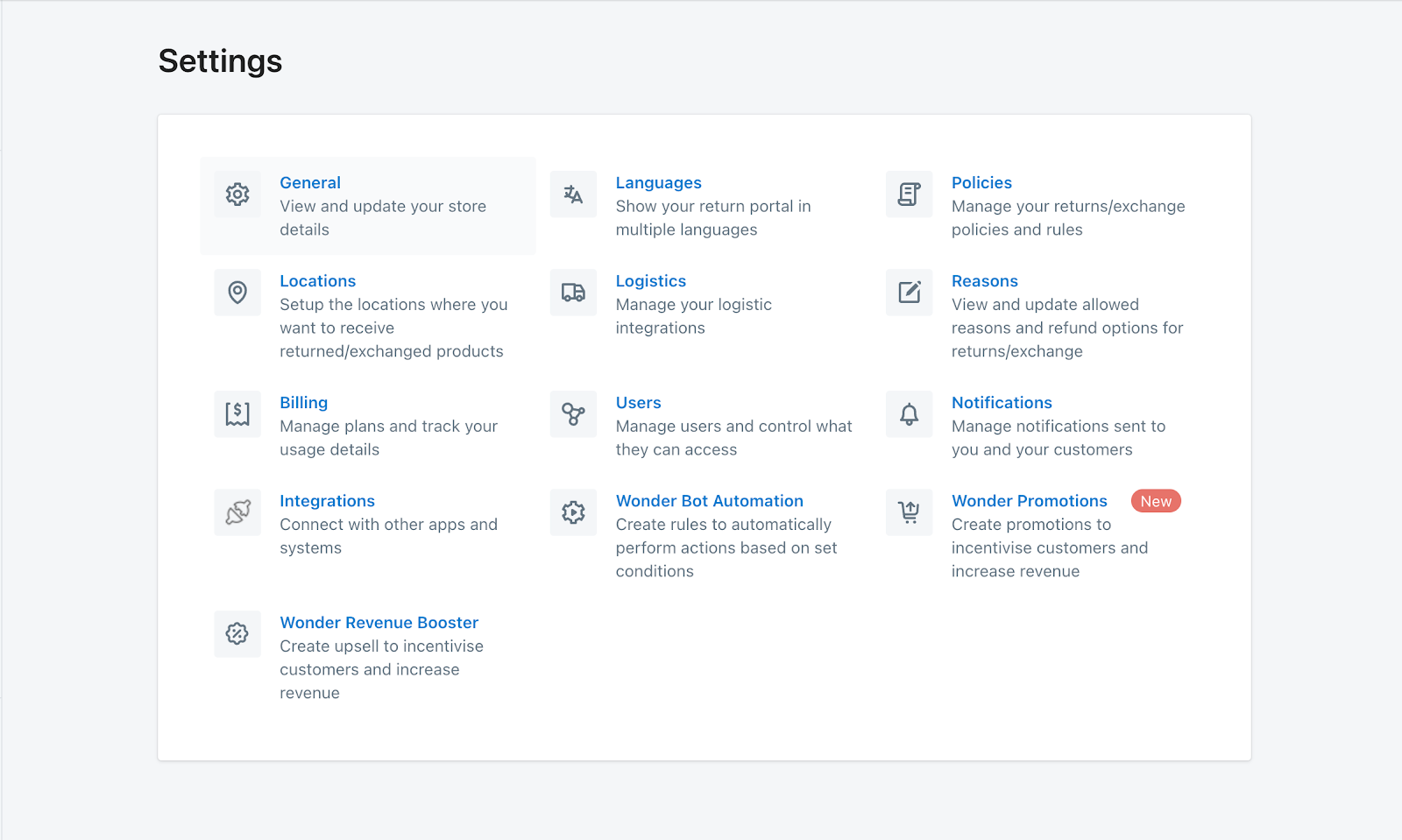
Scroll down to the Hold exchange orders on Shopify option:
Find the option labeled "Hold exchange orders on Shopify" (as shown in the screenshot).
If enabled, disable → save → re-enable to trigger the access scope update.
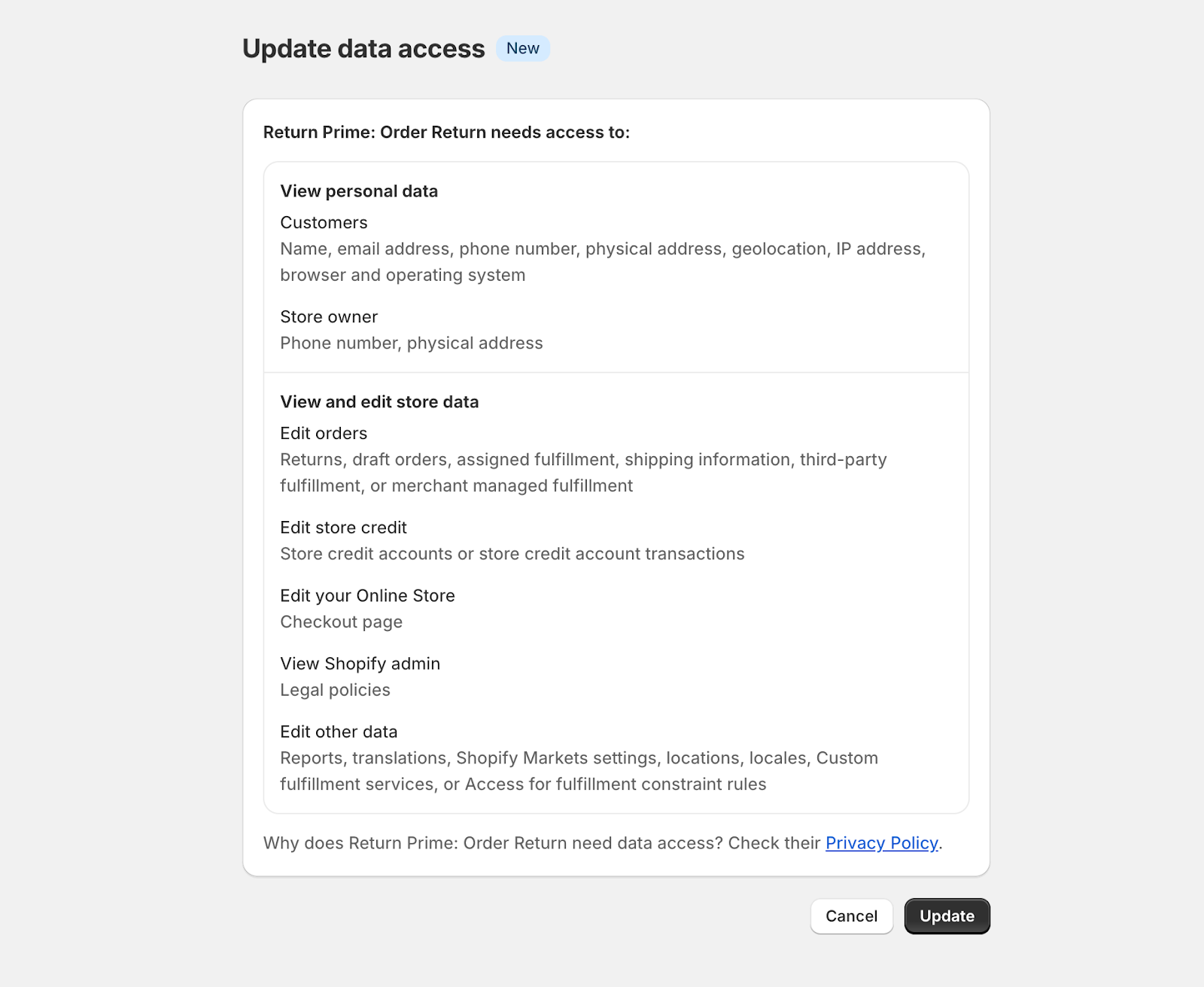
You’ll be prompted to approve the new access scopes—please accept them to complete the update.

3. Click on enable to provide the required permissions and you will now be redirected to Shopify to provide necessary permissions.
This consent will only be required when you are enabling this feature for the first time on your store.
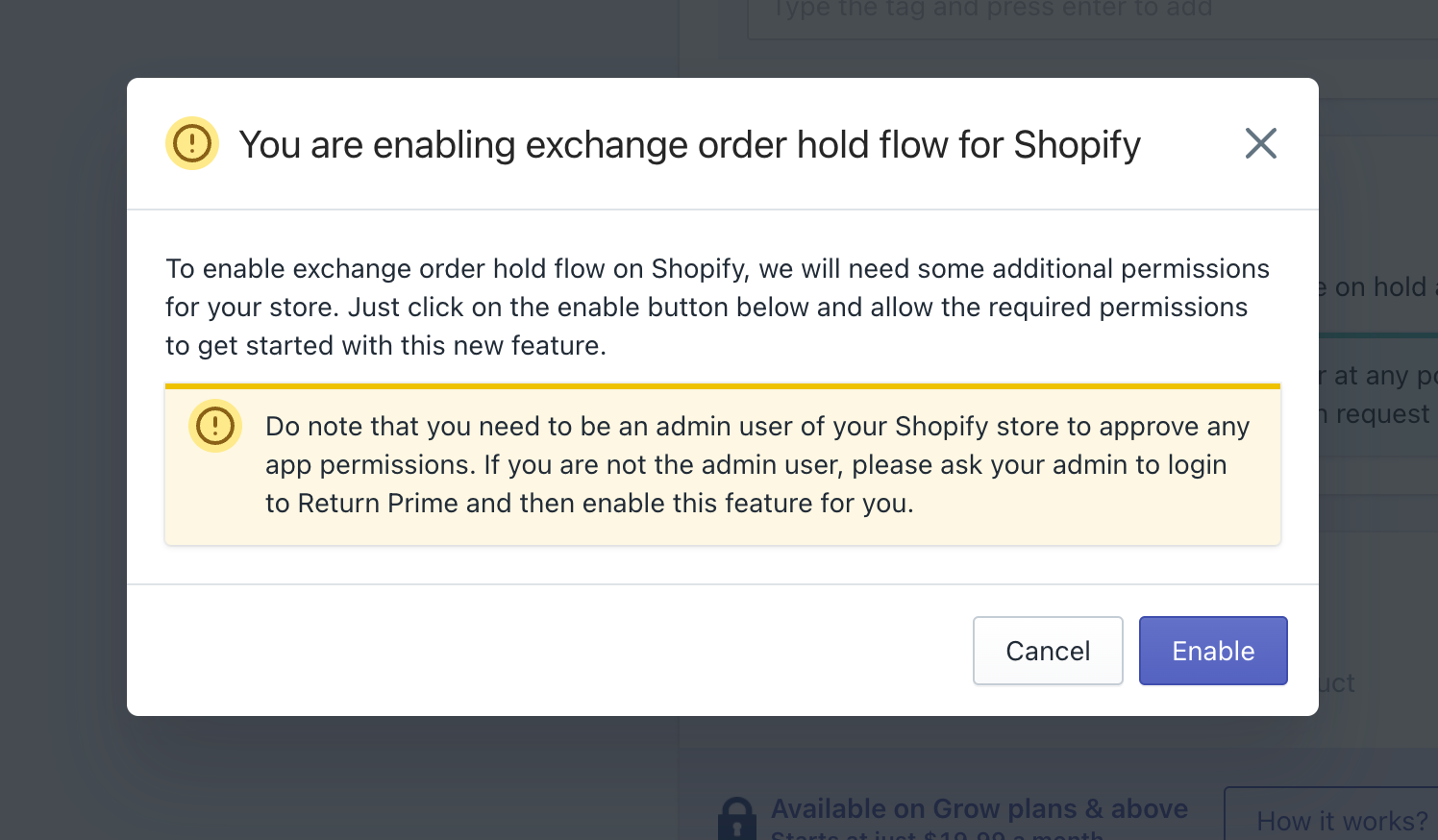
NOTE - You need to be an admin user of your Shopify store to approve any app permissions. If you are not the admin user, please ask your admin to login to Return Prime and then enable this feature for you.
4. Click on update button to enable the feature. Once done, you will be redirected back to Return Prime.
This step is critical to avoid any disruptions in your return operations and maintain full compatibility with Shopify's latest updates.
If you need assistance or have questions, feel free to reach out to help@returnprime.com
Was this article helpful?
That’s Great!
Thank you for your feedback
Sorry! We couldn't be helpful
Thank you for your feedback
Feedback sent
We appreciate your effort and will try to fix the article