Not all brands offer the choice of both returns and exchange of orders. It also depends on the kind of product you sell and it's very much possible that return is not at all offered by your brand. Return Prime is built in a way, you can manage to offer only exchange to your customers. Here is how you can do:
1. Login to your Return Prime dashboard and navigate to Settings > Policies. Alternatively, click here. Set Number of Days for Return period to 0.

2. Navigate to Settings > General > Translation or click here.
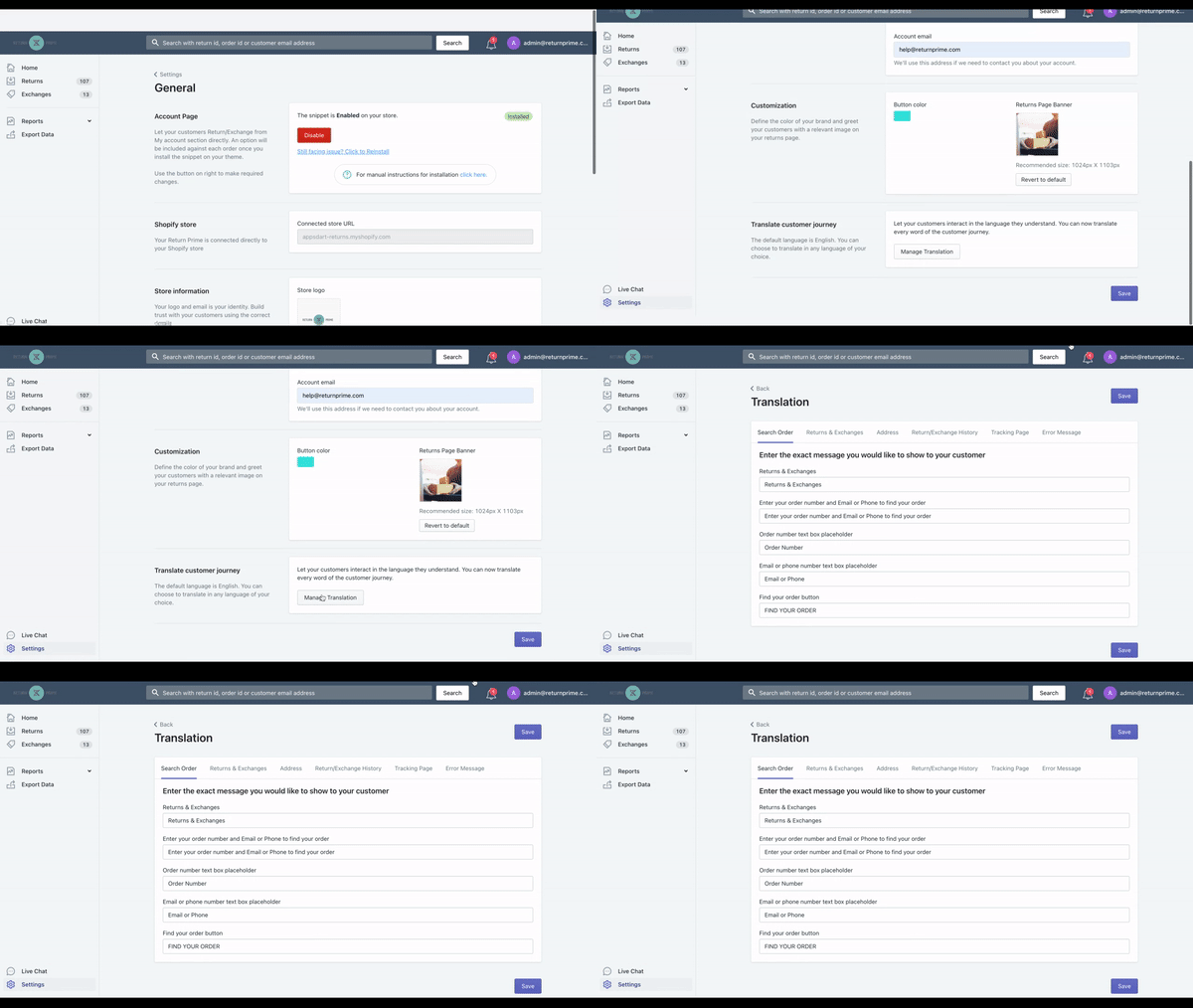
3. Remove or modify all texts which has Exchange in it. You are all set now!
Still have questions? Click the blue chat button
Was this article helpful?
That’s Great!
Thank you for your feedback
Sorry! We couldn't be helpful
Thank you for your feedback
Feedback sent
We appreciate your effort and will try to fix the article