1. Open the Return Prime app and navigate to the settings menu.

Access the "Policies" section within the settings.
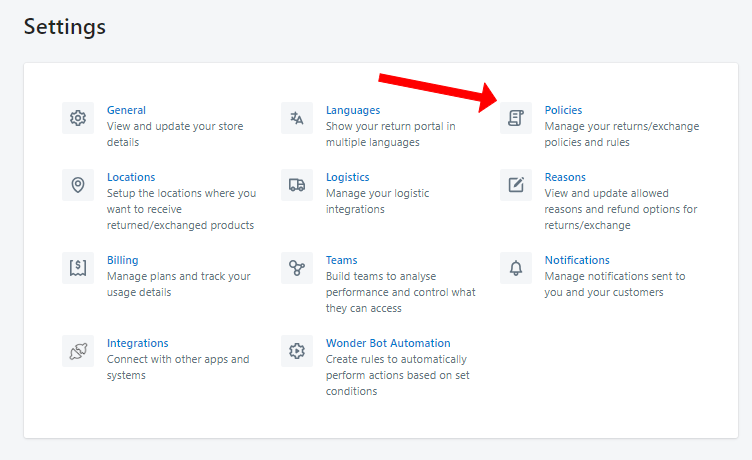
Scroll down to find the "Exchange Rules" section.

Check the box to "Allow customers to place exchange requests even if product is out of stock on Shopify" in this section.
Save your changes.


Enhance your e-commerce efficiency by effortlessly enabling returns for out of stock items with Return Prime.
Was this article helpful?
That’s Great!
Thank you for your feedback
Sorry! We couldn't be helpful
Thank you for your feedback
Feedback sent
We appreciate your effort and will try to fix the article