The error comes from the logistics end. It usually means that the warehouse name set on your Delhivery dashboard is different from what you have set on Return Prime.
You can resolve this by following the below-mentioned steps.
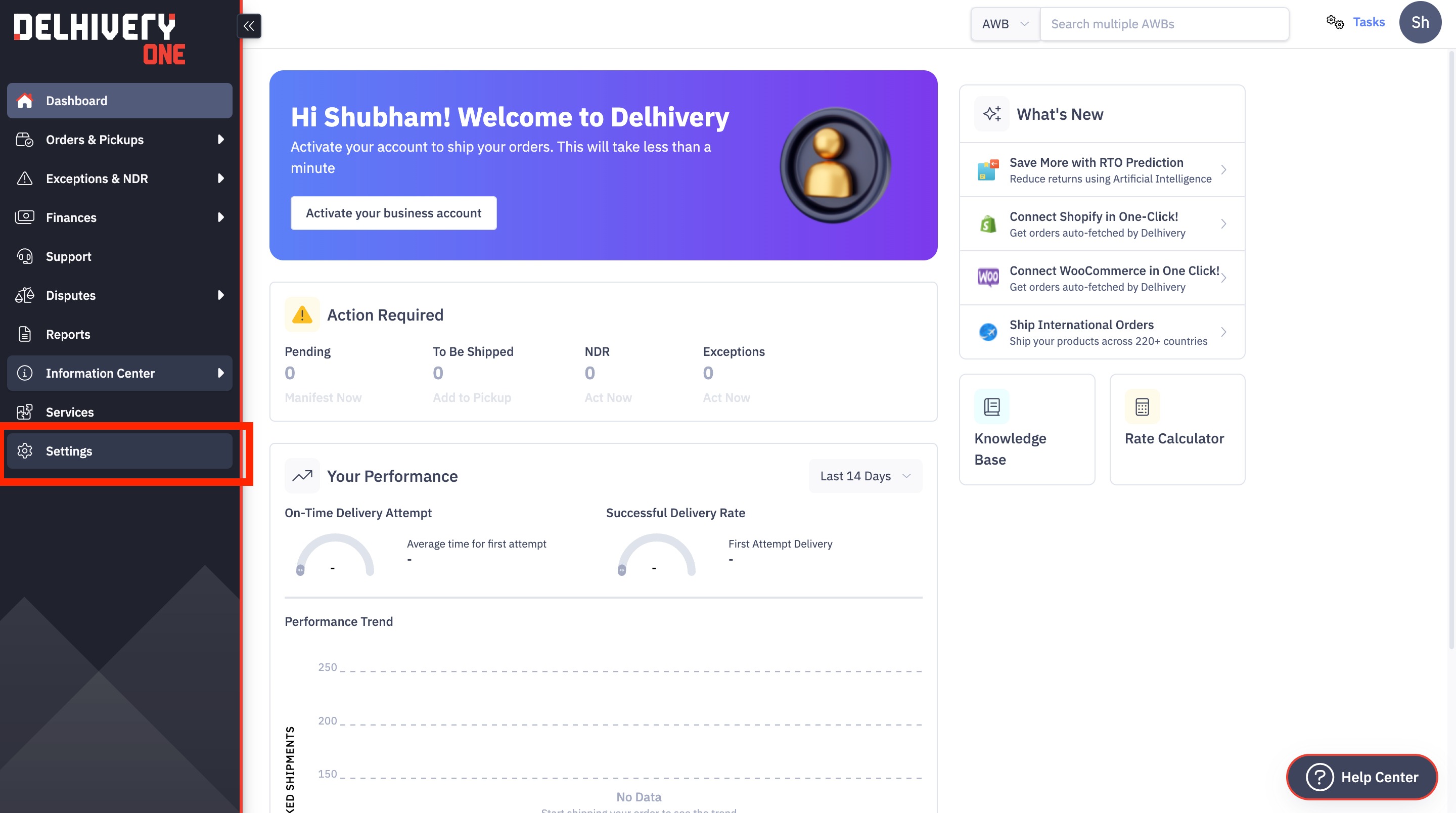
Open your Delhivery dashboard and click on the "Settings" icon available in the left sidebar.
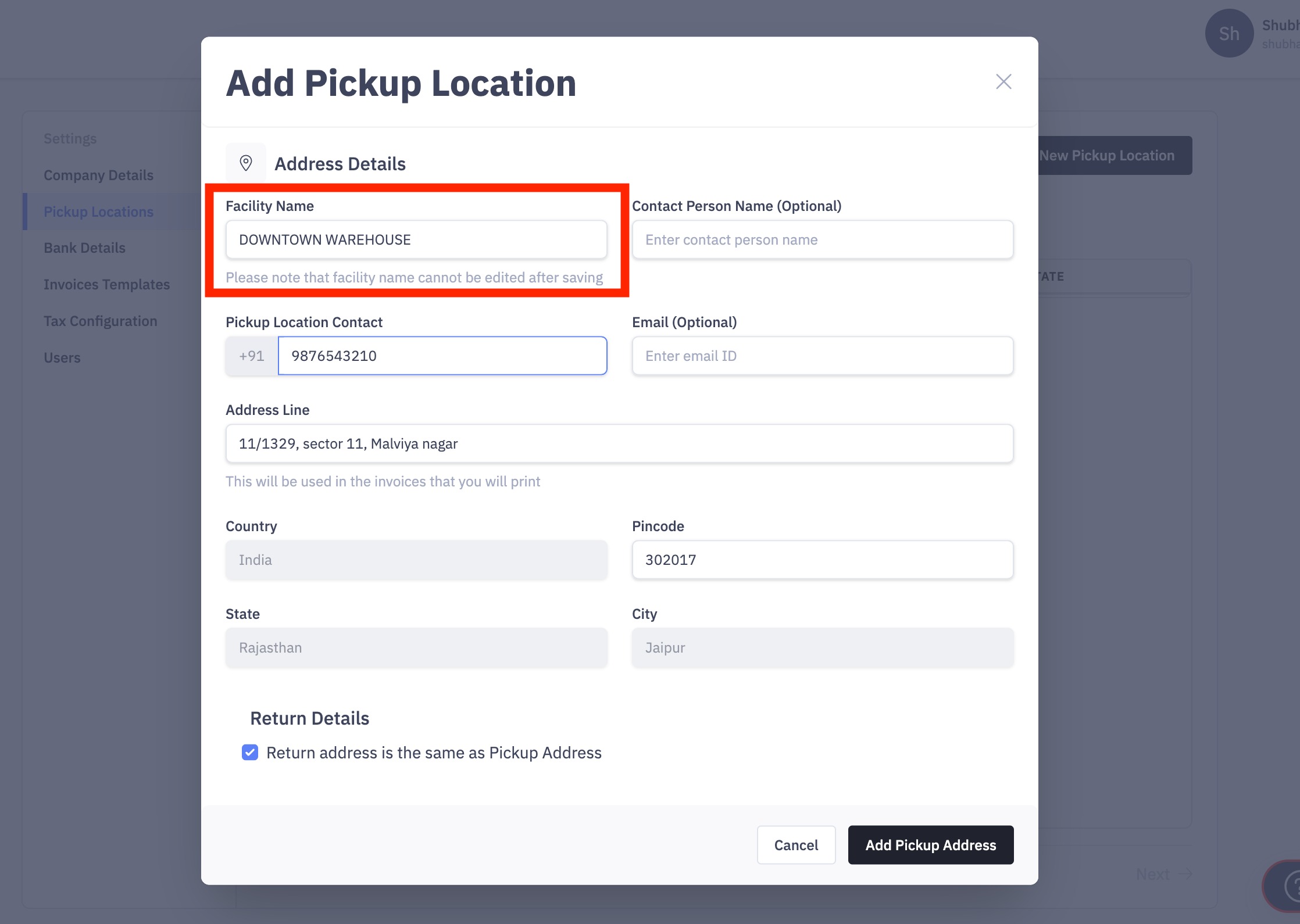
Here please navigate to the "Pickup Locations" option and check your active location. Click on the location and copy the facility name.
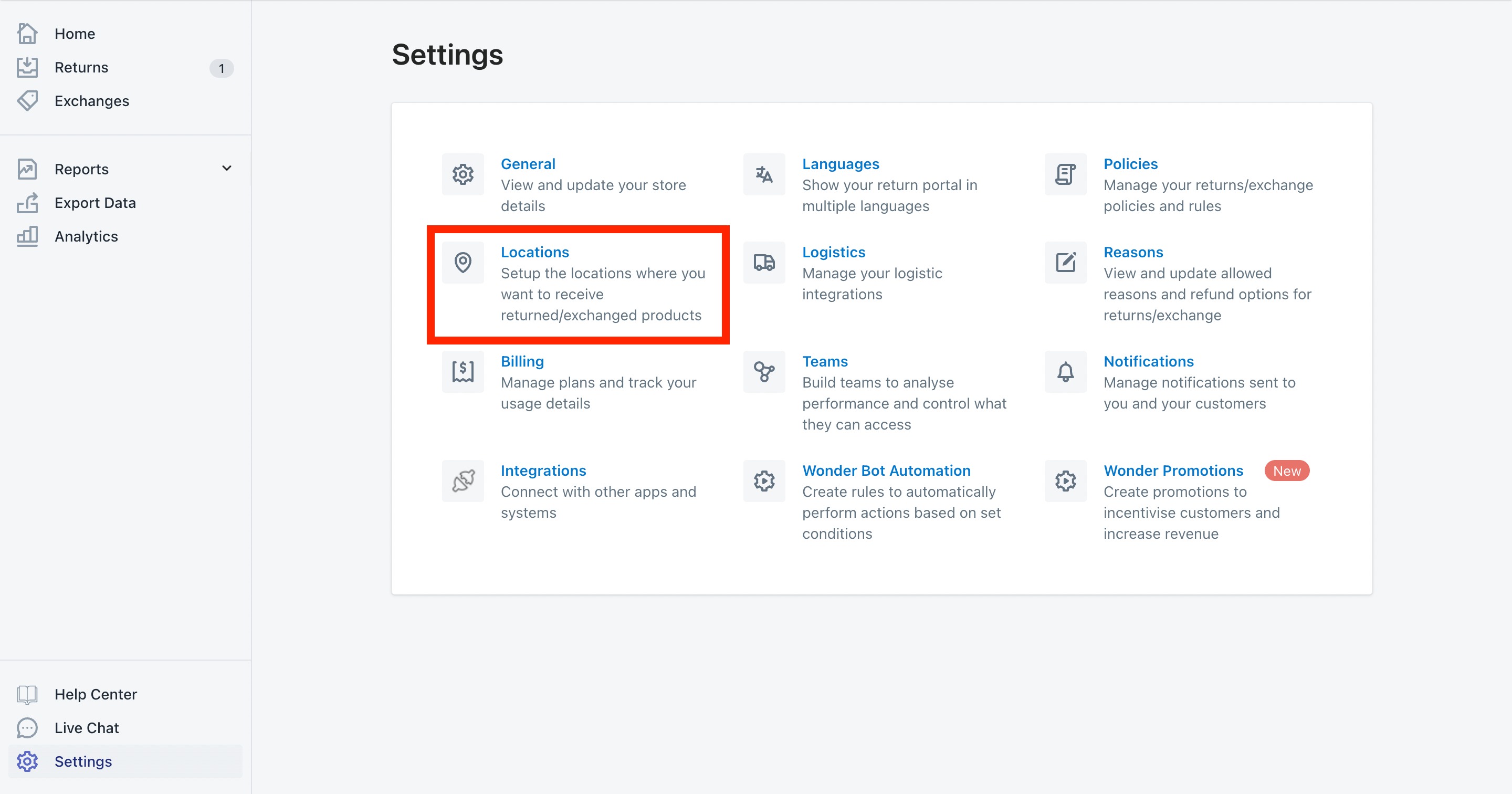
Once it's copied then open the Return Prime dashboard and navigate to "Settings > Locations".
Edit the return address location and paste the name in the "Location name" field.
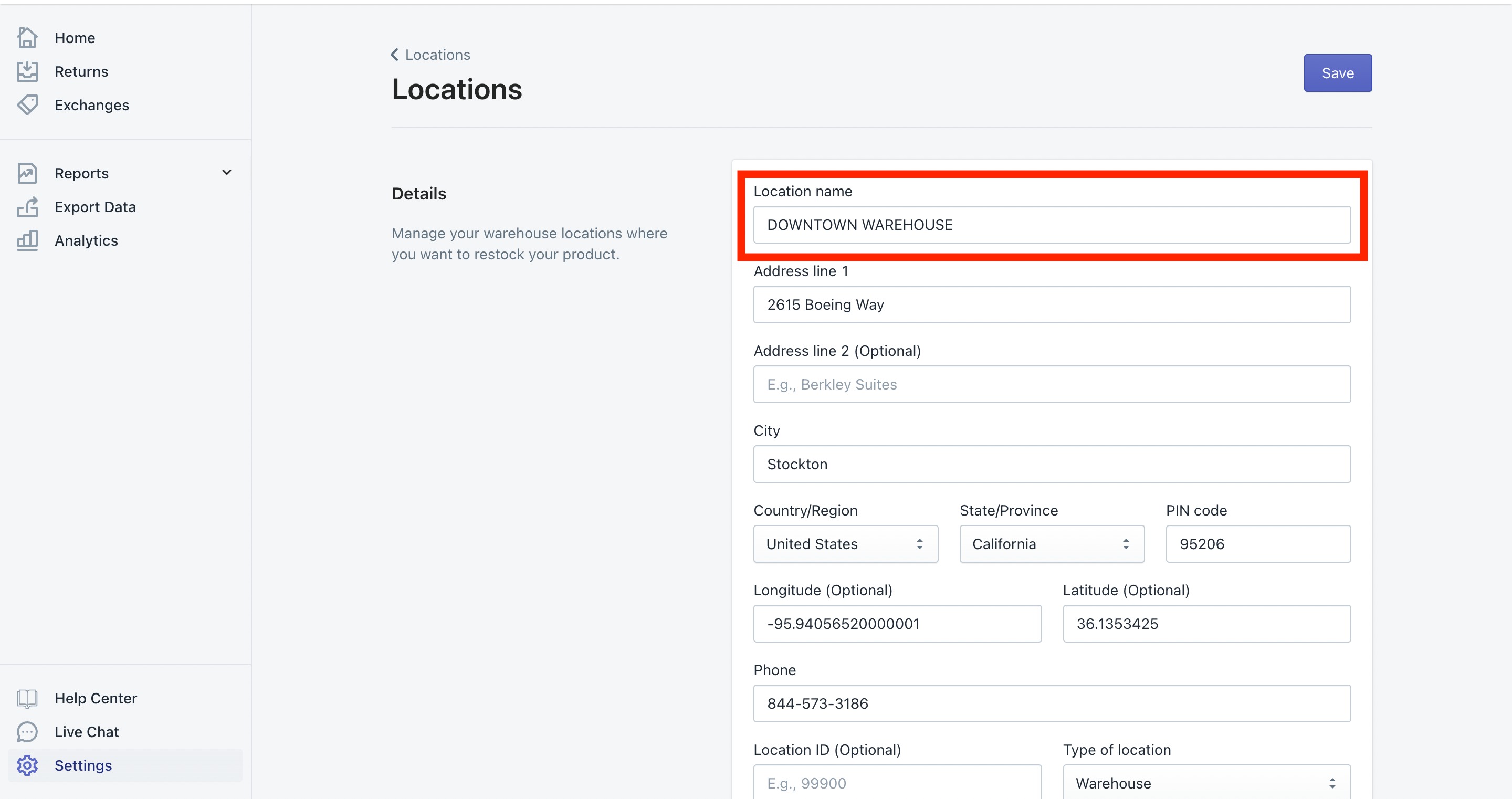


Save the location once the location name on Return Prime matches the facility name on Delhivery. Try to approve the request once it's updated and it will start working.
If you have multiple facilities on Delhivery then you can update it for all locations on Return Prime.
Was this article helpful?
That’s Great!
Thank you for your feedback
Sorry! We couldn't be helpful
Thank you for your feedback
Feedback sent
We appreciate your effort and will try to fix the article