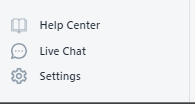
1. Open the Return Prime app and navigate to the settings menu.
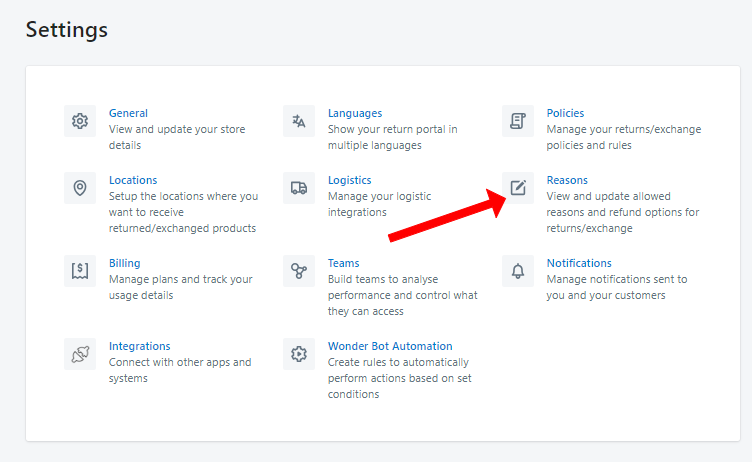
Access the "Reason" section within the settings.
Click on "Add Reason".

In the "Photo required" field and "Note Description required" field, switch the flags on to make the customer opt-in compulsorily.
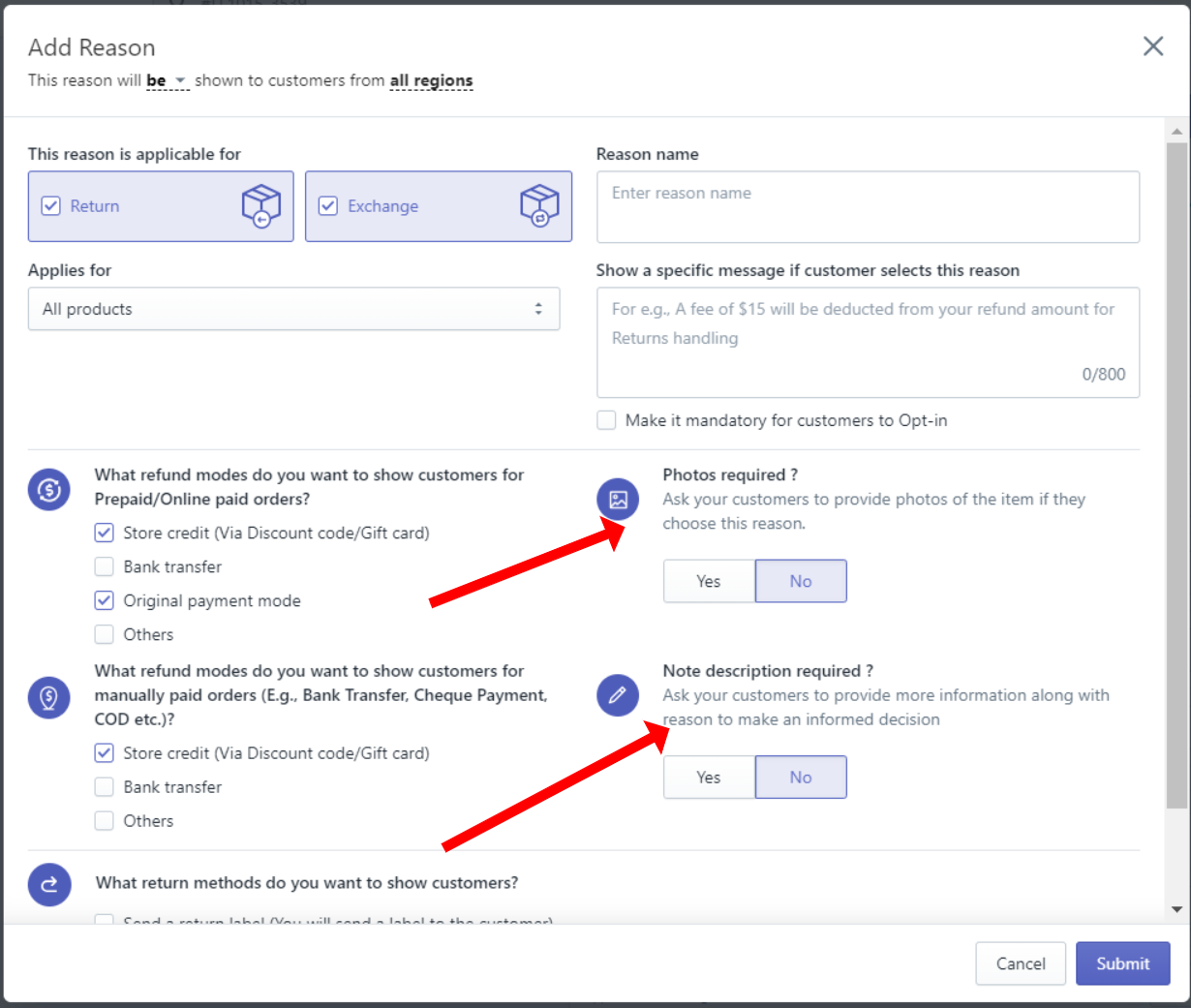
Remember to submit the form to save changes.


Was this article helpful?
That’s Great!
Thank you for your feedback
Sorry! We couldn't be helpful
Thank you for your feedback
Feedback sent
We appreciate your effort and will try to fix the article