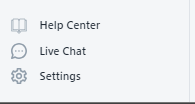
1. Open the Return Prime app and navigate to the settings menu.
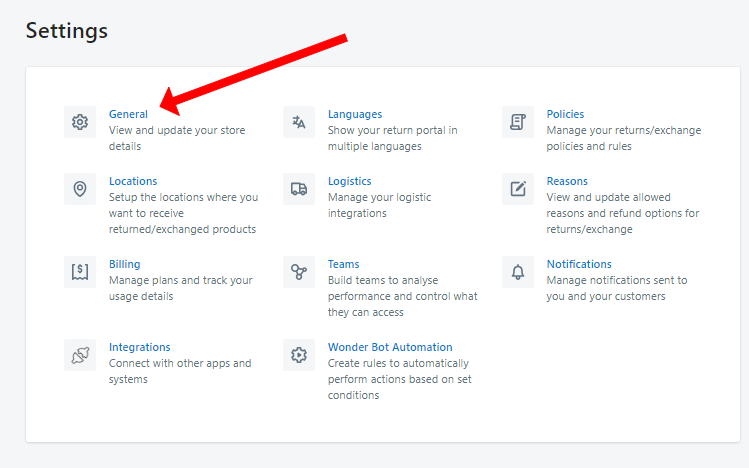
Access the "General" section within the settings.
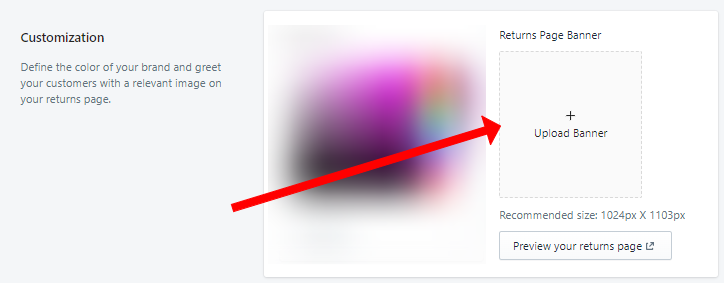
In the Customization section, you can upload the image/banner you want on your return portal page.
4. Remember to click "Save"


Was this article helpful?
That’s Great!
Thank you for your feedback
Sorry! We couldn't be helpful
Thank you for your feedback
Feedback sent
We appreciate your effort and will try to fix the article